Download
Astra Browser

Fast. Secure. Indian.

Windows · Available now

Astra Browser is a privacy-first browser built for a faster, safer and more focused web experience.

Download Astra for Windows

Windows x86_64 · Installer

Astra for Windows
Available now

Windows x86_64 · Installer

Recommended for most Windows PCs (Intel/AMD processors)

Download
Astra for Windows
Available now

ARM64 · Installer

Only for Windows-on-ARM devices (e.g. Surface Pro X, Snapdragon-based laptops). Not sure? Check Settings → System → About → System type on your PC — if it says "x64-based processor", use the option above instead.

Download
Linux Coming soon

Linux support is arriving soon.

Expected launch: 2–5 days

View all downloads
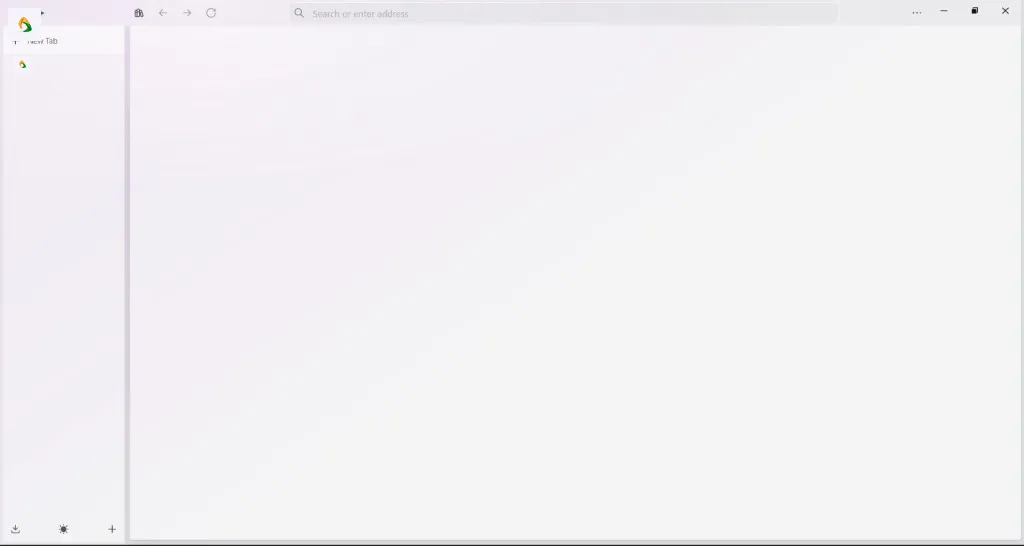
Astra Browser interface in light mode

Engineered
for the web

Every feature in Astra is designed with intention — no bloat, no dark patterns, no compromise on your privacy or performance.

Built on Firefox technology. Evolved from Zen Browser.

Independently developed. Open source. Built in India.

Astra is not affiliated with or endorsed by Mozilla or Zen Browser.

01

Compact Mode

A clutter-free, icon-only sidebar that gives your content more room to breathe.
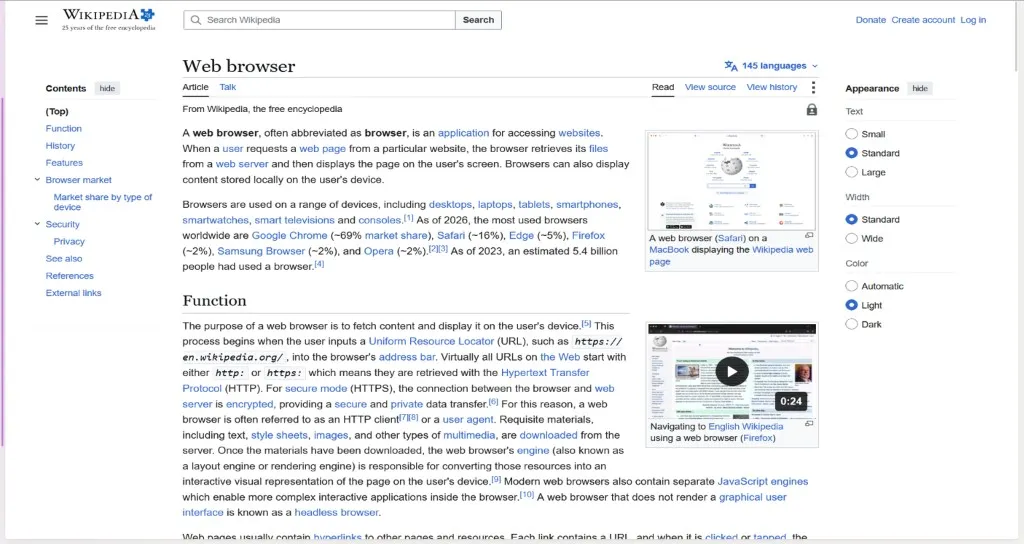
  • Icon-only sidebar
  • More screen space
  • Focus mode
Astra Browser Compact Mode
02

Local Auto-Backup

Bookmarks, history, and settings are automatically backed up right on your device — no cloud, no third party involved. Your data stays yours, always.
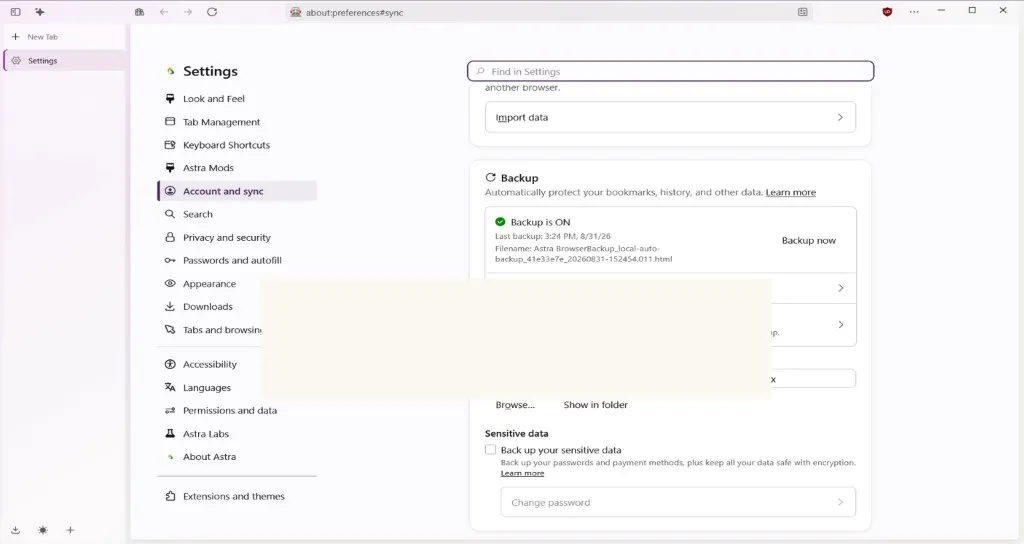
  • Local
  • Private
  • No cloud
Astra Browser Local Auto-Backup settings
03

Boost

Recolor, refont, and reshape any website to match your vibe — plus native support for Indian scripts including Hindi, Tamil, Bengali, Telugu, and more.
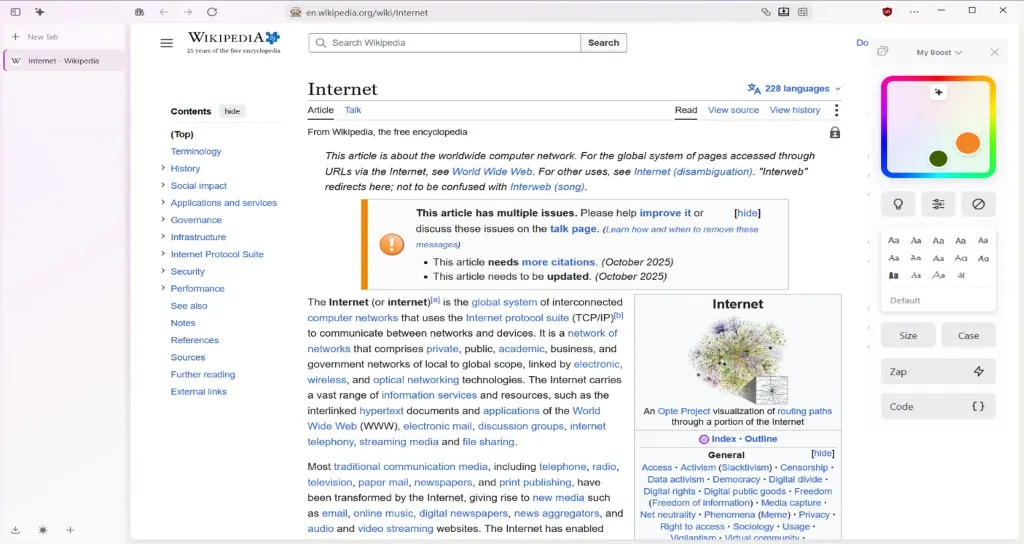
  • Recolor
  • Refont
  • Reshape
Astra Browser Boost website customization
04

Built-in AI Sidebar

Ask questions, summarize pages, and get quick help — without ever leaving your tab.
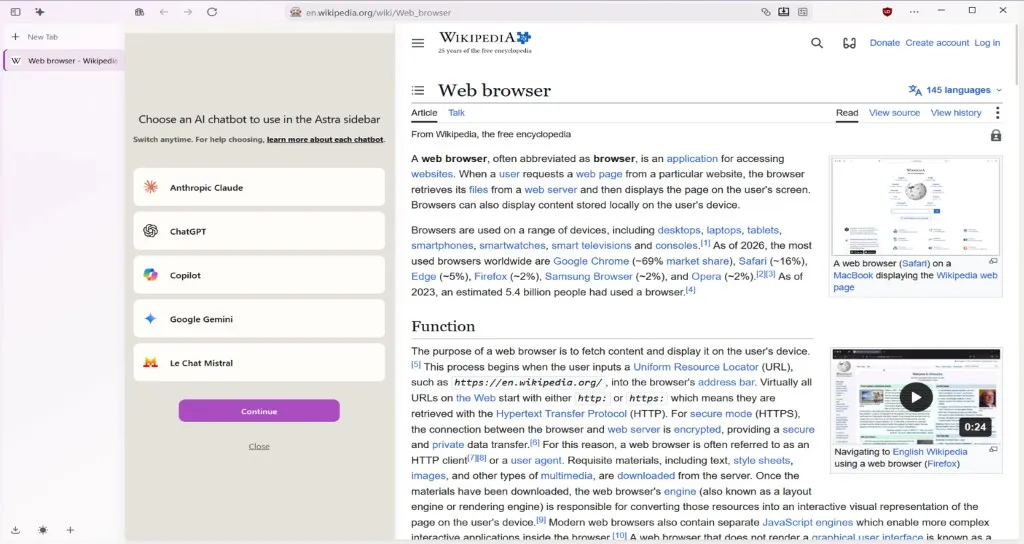
  • In-tab help
  • Summarize
  • Sidebar
Astra Browser built-in AI sidebar
05

Pre-installed Ad Blocker

Enhanced tracking and content protection ships enabled out of the box — helping reduce trackers, ads, and disruptive page elements without installing extra extensions.

  • Built-in
  • No extra install
  • Cleaner browsing
uBlock Origin
06

Choose Your Search Engine — Anytime

No default forced on you. Switch between Google, DuckDuckGo, Bing, Brave, and more whenever you want, right from the browser — Astra never locks you into one.
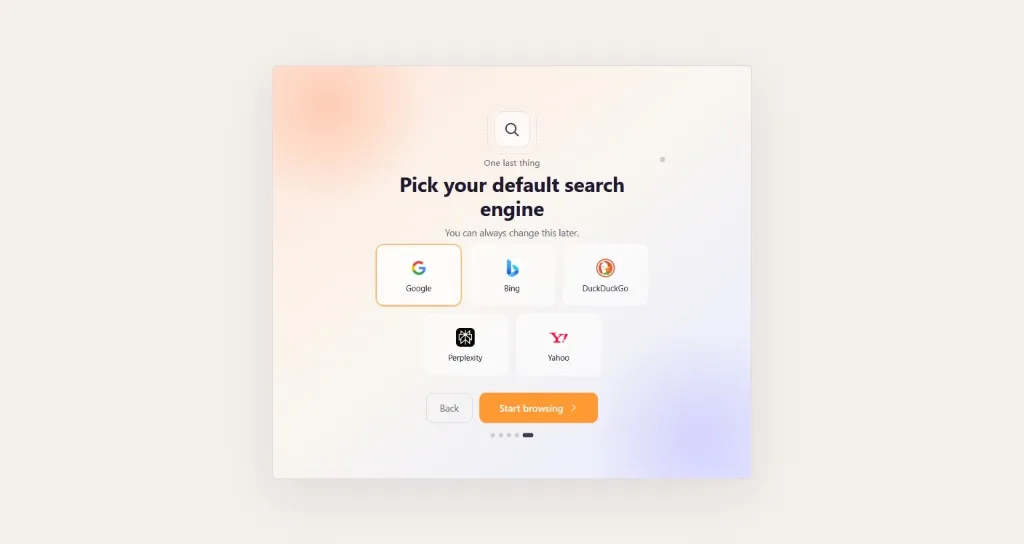
  • Your choice
  • No lock-in
  • Multiple search engines
Astra Browser search engine selection
07

Split View

Work with two pages side by side in the same browser window. Compare, reference, and multitask without constantly switching tabs.
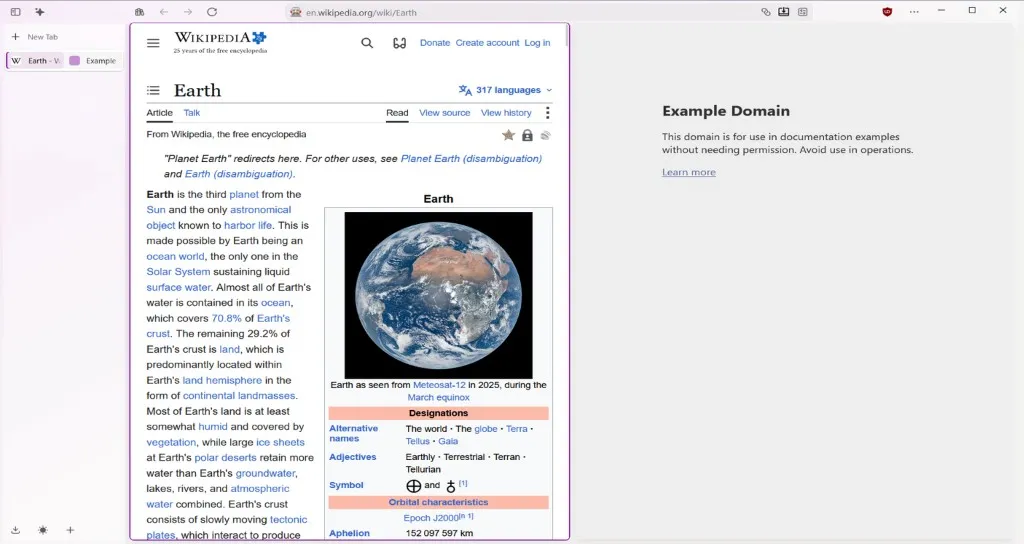
  • Side by side
  • Multitask
  • Compare
Astra Browser Split View Astra Browser Split View — compact mode
08

Create Folder

Keep your tabs organized with folders in the sidebar — create one from the plus button, name it, and drag tabs inside to group projects or saved links.
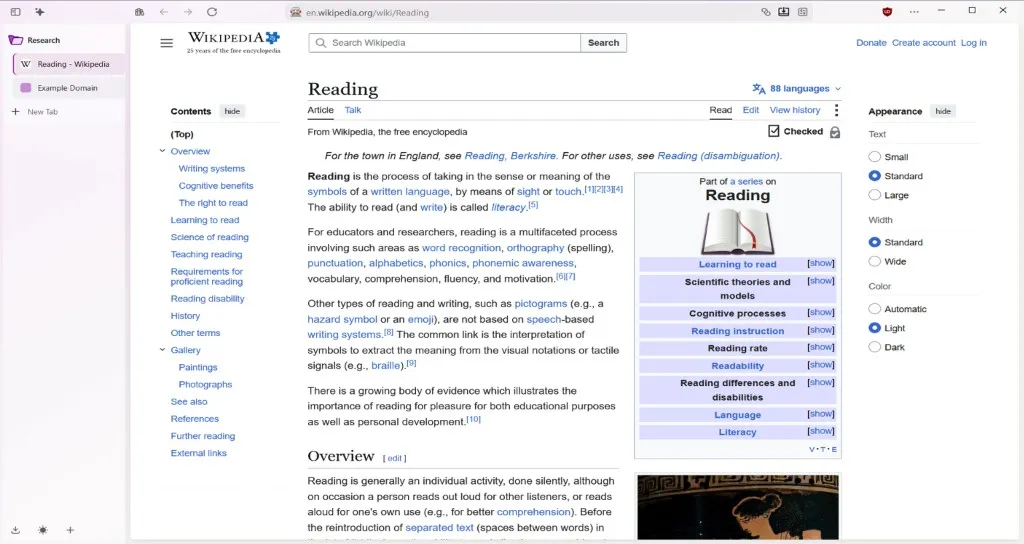
  • Tab folders
  • Sidebar
  • Organize
Astra Browser tab folders

Get Astra

Windows · Available now

v1.19.9b

Astra for Windows

astra.installer.exe · 97 MB

Recommended for most Windows PCs (Intel/AMD processors)

Available now
Download

Astra for Windows

astra.installer-arm64.exe · 88 MB

Only for Windows-on-ARM devices (e.g. Surface Pro X, Snapdragon-based laptops). Not sure? Check Settings → System → About → System type on your PC — if it says "x64-based processor", use the option above instead.

Available now
Download

Linux

Linux support is arriving soon.

Expected launch: 2–5 days

Checksums available on the GitHub release page